Optimize a Refurbished Laptop for AI Workloads.
Introduction
Refurbished laptops can be a smart and budget-friendly choice for developers, students, and professionals diving into artificial intelligence (AI). But to handle AI workloads—like training models, running simulations, or leveraging tools like TensorFlow or PyTorch—you’ll need more than just a working machine. In this guide, we’ll show you how to optimize a refurbished laptop for AI tasks in 2025 without breaking the bank.
1. Start with the Right Base Specs
Before optimizing, ensure your refurbished laptop meets or exceeds these minimums:
- CPU: At least a quad-core Intel i5/Ryzen 5 (8th Gen or newer)
- RAM: 16GB is ideal; 8GB is minimum (upgrade if possible)
- Storage: SSD (preferably 512GB or higher for datasets)
- GPU: A dedicated GPU (like NVIDIA GTX/RTX series) is essential for deep learning
Tip: If your laptop has an integrated GPU, focus on lightweight tasks like data preprocessing or cloud-based training.
2. Upgrade Where Possible
- RAM: Check for upgradable slots. Going from 8GB to 16GB can significantly speed up data handling.
- SSD: Swap out slow HDDs for a high-speed NVMe SSD if your laptop supports it.
- Battery: Replace the battery if it’s worn out. AI tools can drain power quickly.
3. Install a Linux-Based OS (Optional, but Recommended)
AI and machine learning tools tend to run better on Linux due to compatibility and community support.
- Popular choices: Ubuntu, Pop!_OS, or Debian
- Benefits: Easier to install frameworks like TensorFlow, PyTorch, and Scikit-learn
- Use WSL (Windows Subsystem for Linux) if you’re sticking with Windows
4. Set Up the Right Software Stack
Install the essential tools for AI workloads:
- Python with Anaconda or Miniconda
- TensorFlow / PyTorch (install GPU-compatible versions if you have an NVIDIA GPU)
- Jupyter Notebook for experimentation
- VS Code or PyCharm for development
GPU Setup Tip: Install CUDA and cuDNN drivers carefully to ensure GPU acceleration.
5. Use Cloud Resources for Heavy Lifting
If your laptop struggles with complex workloads:
- Use platforms like Google Colab, Kaggle Kernels, or AWS SageMaker
- These let you offload training to the cloud while coding locally
- Useful for laptops with limited GPU or RAM
6. Manage Heat and Performance
AI tasks can heat up your system fast.
- Use a cooling pad or elevate the laptop
- Clean the fans and vents regularly
- Undervolt the CPU using tools like ThrottleStop or Intel XTU (for advanced users)
7. Keep Your Environment Lightweight
- Avoid running unnecessary apps or browser tabs
- Use swap space or zRAM if RAM is tight (Linux users)
- Disable visual effects in your OS to save resources
8. Stay Updated
- Keep drivers (especially GPU) up to date
- Update libraries and frameworks regularly to take advantage of performance improvements and security fixes

Today’s Best Refurbished AI Laptop Deals

(Refurbished) Acer Swift Go 14 AI PC Premium Laptop Intel Core Ultra 5 226V (14-inch OLED WUXGA/16GB LPDDR5X/512GB PCIe NVMe...
 Amazon.in
 - This Renewed product is tested to work and look like new with minimal to no signs of wear & tear; the product comes with relevant accessories and is backed by a minimum six month seller warranty; box may be generic
- Operating System: Windows 11 Home
- Processor: Ultra 5 processor 226V
- Pre-Installed Software: MS Office Home and Student
- Display: 14" WUXGA OLED Adobe&DCI-P3 100%

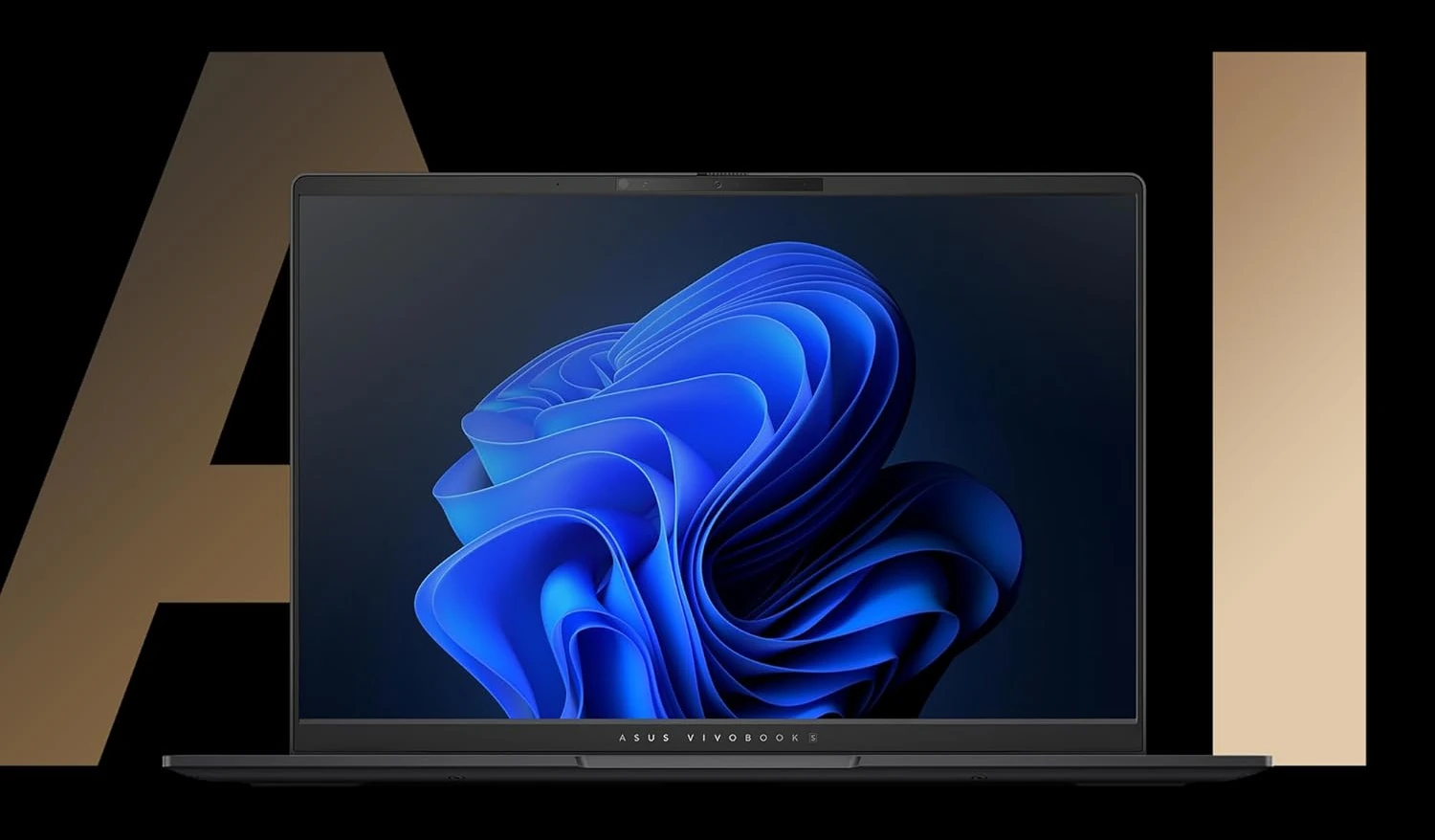
(Refurbished) ASUS Vivobook S 14 OLED, 3K OLED 16:10, 120Hz 400 nits, AMD Ryzen AI 9 HX 370 Processor 2.0GHz,...
Amazon.in - This Renewed product is tested to work and look like new with minimal to no signs of wear & tear; the product comes with relevant accessories and is backed by a minimum six month seller warranty; box may be generic
- AI Enabled Processor : AMD Ryzen AI 9 HX 370 Processor 2.0GHz (36MB Cache, up to 5.1GHz, 12 cores, 24 Threads), AMD XDNA NPU up to 50TOPS
- Memory : 24GB LPDDR5X RAM|Storage : 512GB M.2 NVMe PCIe 4.0 SSD

(Refurbished) MSI Cyborg 15 AI, Intel Core Ultra 7 155H,Built-in AI, 40CM Gaming Laptop(16GB/1TB NVMe SSD/Windows 11 Home/NVIDIA GeForce RTX...
Amazon.in - This Renewed product is tested to work and look like new with minimal to no signs of wear & tear; the product comes with relevant accessories and is backed by a minimum six month seller warranty; box may be generic
- AI Enabled Processor: 1st Generation Intel Core Ultra 7-155H Up To 4.8GHz
- Operating System: Pre-loaded Windows 11 Home with lifetime validity |Preinstalled Software: MSI Center | In the box: Laptop, Power Adapter

(Refurbished) Lenovo Yoga Pro 7 Intel Evo Core Ultra 7 155H Built-in AI 14"(35.5cm) 2.8K-OLED 400Nits 120Hz Laptop (16GB/1TB SSD/NVIDIA...
Amazon.in - This Renewed product is tested to work and look like new with minimal to no signs of wear & tear; the product comes with relevant accessories and is backed by a minimum six month seller warranty; box may be generic
- AI Enabled Processor: Intel Core Ultra 7 155H, 16C (6P + 8E + 2LPE) / 22T, Max Turbo up to 4.8Ghz| Cores:-16 | Threads:- 22 | Cache:- 24MB
- OS: Pre-Loaded Windows 11 Home with Lifetime Validity |MS Office Home and Student 2021 | Xbox GamePass Ultimate 3-month subscription
FAQs
Conclusion
You don’t need a brand-new, high-end laptop to get started with AI. With a few smart upgrades and optimizations, a refurbished machine can handle most beginner to intermediate AI workloads. Whether you’re a student, enthusiast, or freelancer, optimizing your refurbished laptop puts powerful tools in your hands—without the premium price tag.