

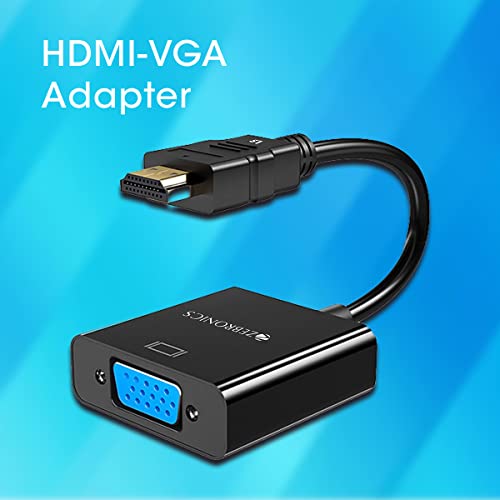
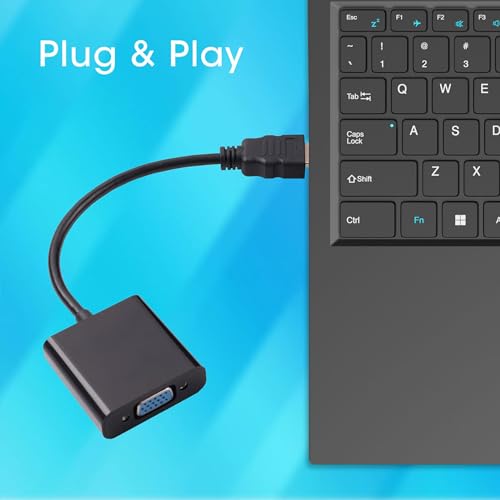
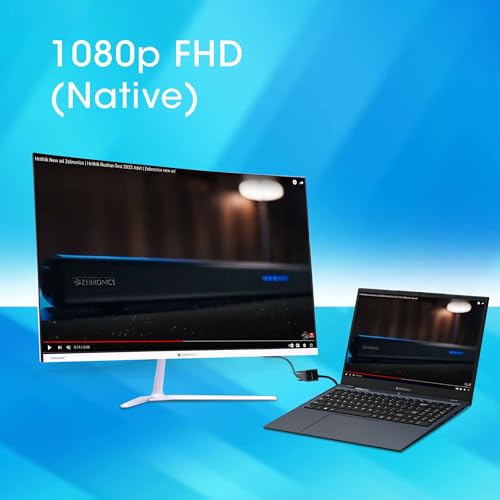
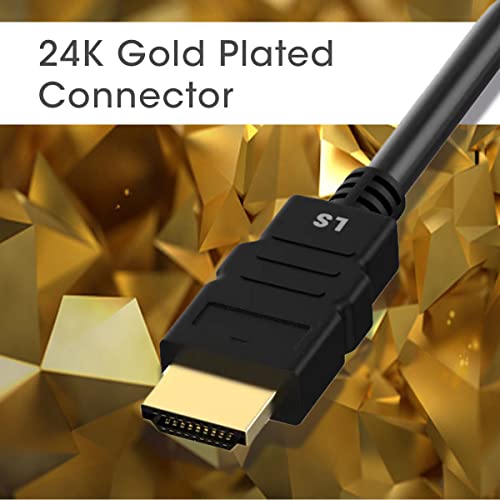
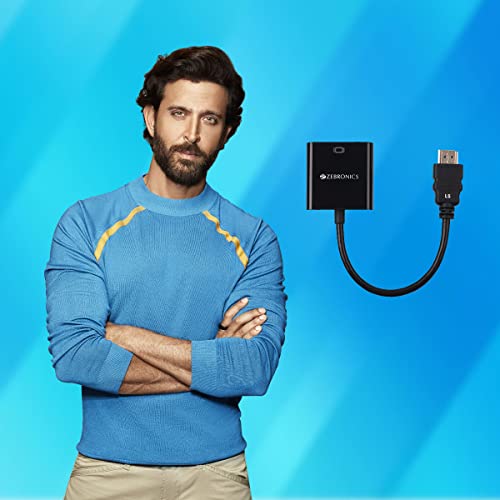
ZEBRONICS HAV01 HDMI to VGA Adapter with Full HD 1080p @ 60Hz Native Resolution, Gold Plated connectors, Plug Play Usage, Strong and Durable Build…
₹199.00
- HDMI-VGA adapter
- 1080p FHD(Native)
,
10 reviews for ZEBRONICS HAV01 HDMI to VGA Adapter with Full HD 1080p @ 60Hz Native Resolution, Gold Plated connectors, Plug Play Usage, Strong and Durable Build…
Show all
Most Helpful
Highest Rating
Lowest Rating
Add a review
Related Products


ZEBRONICS HAV01 HDMI to VGA Adapter with Full HD 1080p @ 60Hz Native Resolution, Gold Plated connectors, Plug Play Usage, Strong and Durable Build…
₹199.00

ARUN S –
Good product it’s working fine.
Atul Khairnar –
I bought the ZEBRONICS HAV01 HDMI to VGA Adapter to connect my old VGA monitor to a newer laptop that only has HDMI ports, and I’m really impressed! The build quality feels solid — not flimsy like some cheap adapters. The gold-plated connectors are a nice touch and help ensure a stable connection.
It was truly plug-and-play — no drivers, no hassle. I got full 1080p resolution at 60Hz with zero lag or display issues. I’ve been using it for work and occasional streaming, and it hasn’t let me down.
If you’re looking for a dependable and budget-friendly adapter to bridge old and new tech, this is a great pick.
Aneesh –
Good quality item, works as promised.
Kushal Varma –
Design and Build Quality:
Solid Build: The cable typically has a sturdy build with decent shielding to prevent interference during signal transmission. The well-built connectors offer a snug fit into HDMI and VGA ports, ensuring stable connections.
Compact Size:
The cable is often compact, making it easy to carry around for presentations or other on-the-go needs.
Performance:
Video Output: The cable can convert HDMI digital signals to VGA analog signals. The video quality is generally good for office presentations, standard HD video output, and basic media consumption. However, depending on the connected devices, it might not support Full HD or higher resolutions well.
Compatibility:
Device Compatibility: This cable is compatible with a wide range of HDMI-enabled devices such as laptops, desktops, and gaming consoles (PS4, Xbox, etc.), and it can be used to connect them to VGA projectors or monitors.
Plug and Play: No external power or drivers are usually required, which makes it simple to use. Just plug it into your devices, and it should start working immediately.
Pros:
Affordable: It’s typically very cost-effective, making it an attractive option for users looking to bridge old VGA displays with newer HDMI-only devices.
Plug-and-Play: Easy to use without requiring drivers or additional software.
Decent Video Quality: For everyday tasks, the video quality is satisfactory, though not suitable for high-end graphics work or gaming.
Conclusion:
The Zebronics HDMI to VGA cable is a reliable and budget-friendly option for users looking to connect HDMI devices to VGA displays. It’s best suited for presentations, standard video playback, and general office work. If you’re looking for a high-quality, high-definition video experience or audio transmission, you might want to explore alternatives that better suit those needs.
Jatinkumar –
Third class product. Product quality is too bad. This iteam is non returnable and very less service station available.
Item not working from 1 st day, replacement was also not working.
Uzair baba –
The media could not be loaded.
BIDIT SADHUKHAN –
Working good but having issues with the 4k display. Would not recommend buying.
Jaydev miyatra –
Good product
Rishi Pal –
The screen of my laptop got partially dead (Half part got black). I have a 21″ FHD LED Monitor but have VGA input and my laptop have only HDMI output. Due to some financial issue I was unable to replace the screen instantly. I searched for hdmi to vga connector and I found this on Amazon. Instead of new screen I decided to try this because it was not very costly. I ordered this and it got delivered to me in 48 Hrs. Build quality is satisfactory. I connected LED Screen to Laptop using this and as I connected, my laptop having windows 10 recognised the monitor and displayed the option to connect to External Monitor. I clicked OK and I got happy that it has done its job as I was expected.
Till now no issue and working fantastics.
Nice foam –
Not working