
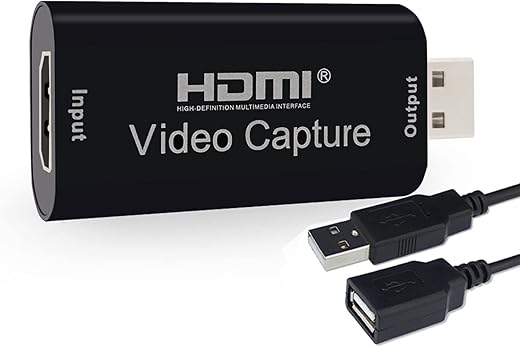
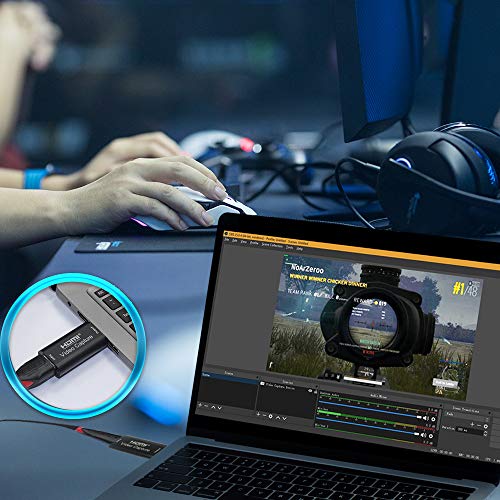
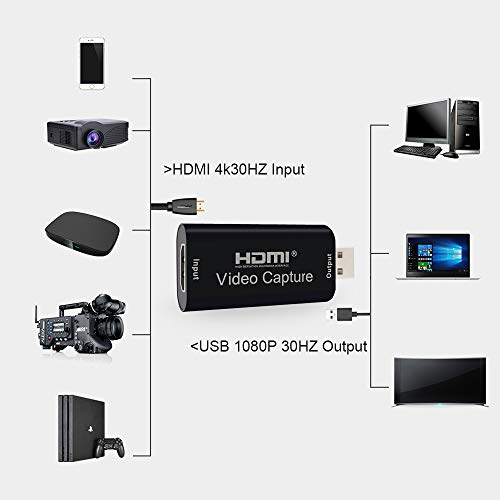
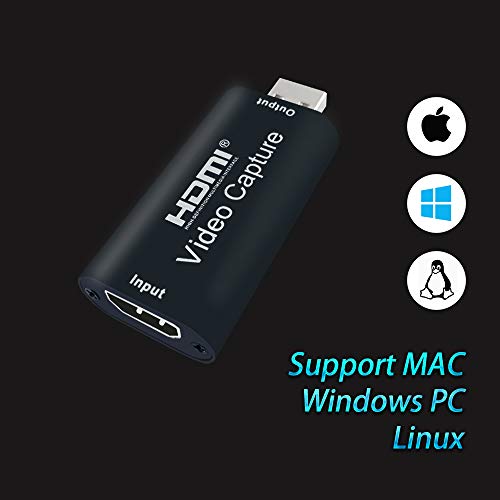
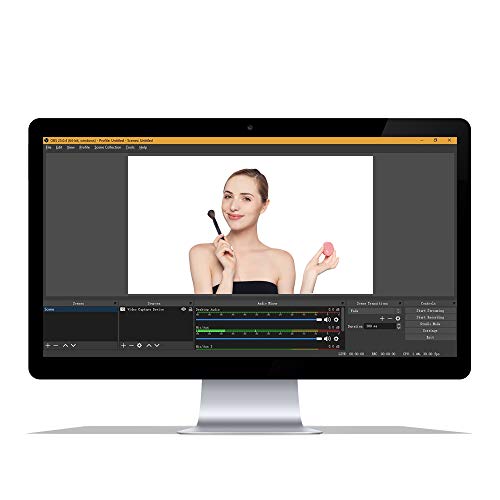
MICROWARE USB 2.0 Audio Video Capture Cards HDMI to USB 1080p USB2.0 Record via DSLR Camcorder Action Cam for High Definition Acquisition, Live…
₹474.00
- Portable
- Lightweight
,
Specification: MICROWARE USB 2.0 Audio Video Capture Cards HDMI to USB 1080p USB2.0 Record via DSLR Camcorder Action Cam for High Definition Acquisition, Live…
|
7 reviews for MICROWARE USB 2.0 Audio Video Capture Cards HDMI to USB 1080p USB2.0 Record via DSLR Camcorder Action Cam for High Definition Acquisition, Live…
Show all
Most Helpful
Highest Rating
Lowest Rating
Add a review
Related Products


MICROWARE USB 2.0 Audio Video Capture Cards HDMI to USB 1080p USB2.0 Record via DSLR Camcorder Action Cam for High Definition Acquisition, Live…
₹474.00

Erwin –
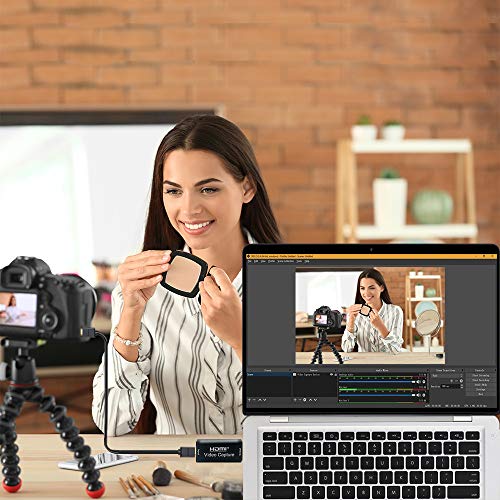
I plugged it directly into my computer, I plugged my Panasonic G7 into the wall for continuous power, and plugged the camera into the Capture Card (via micro hdmi to hdmi) and boom, Zoom/Skype/Discord/OBS/Google Meet/Google Hangouts all recognize my mirrorless camera as a webcam. Also, the capture card picked up the audio from my camera’s microphone (totally unexpected). Would highly recommend for anyone who works from home and wants something better than a webcam for zoom
Aria: Donnard’s Brand Ambassador –
Simply amazed with this very affordable capture card. The card serves its purpose for live stream worship service, so I’m not really concerned about any latency. Works As Good As More Expensive Capture Cards! The sound works over HDMI. Very easy plug & play card. Works well on macbook pro. I am recommending it to all of my fellow church streamers.
NIKUL PATEL –
We try to connect this product and follow all the instructions but this product is not able to connect with any device. WE HAVE PLACE REPLACE AND REFUND REQUEST BUT STILL, THERE IS NO STATUS.
Hence, one we learned is that if we need to buy any electronic product then always prefer local shops, and don’t go online, because they will not update us.
I am also surprised that Amazon brand allows this kind of product to sell on its platform.
Rajesh –
Working in laptop
Christopher –
The card works as it should and when I had a problem the customer support for the device was pretty good and replied back pretty quick. The quality of picture could be better but for the money it’s pretty good. (The picture is of the video capture card in action)
The card doesn’t capture a full reboot but that might be the computer I was recording.
Christopher –
Makes good use of your existing camera setup that can output a live HDMI feed for Zoom meetings. No additional configuration to get it working on a Chromebook, Just plug it in and select it as your main camera feed. Took a chance on this even with the bad reviews. Hopefully, it lasts and will not stop working in the middle of a Zoom meeting. Will update review if that happens.
Christopher G. –
I really wanted to like this product. I plugged it in to my laptop. My computer picked it up with no issues. Took about 5 min for me to figure out how to get picture and sound to work with my vmix software. Then about 15 min later it stopped working. It was very hot. I unplugged it and let it cool down, but now it will not do anything. and my computer will not read it. So worked great for 15 min, but I’m returning it and buying a better one. I would not purchase this product again.