

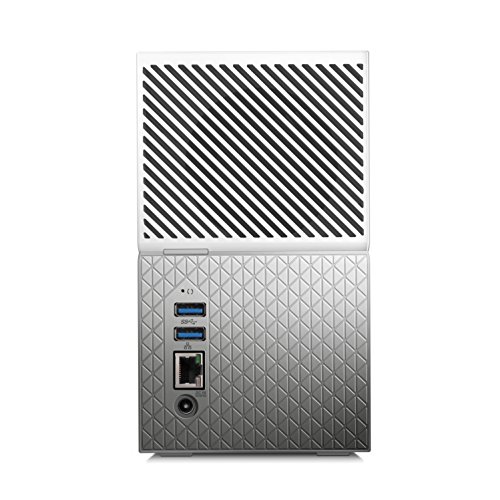

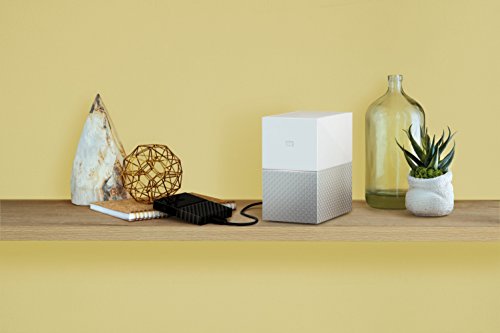

WD My Cloud Home Duo WDBMUT0120JWT-BESN 12TBPersonal Cloud
₹7,299.00
- One central place to store and organize everything
- Quick and simple setup with mobile and on-the-go access
- Auto backup for photos and videos on your phone and everything saved twice with mirror mode
- USB port to import photos and videos from external storage devices
- System Requirements: Windows 10, 8.1 or 7 (64-bit only) operating systems, Mac OS X Sierra, El Capitan or Yosemite – for mobile: iOS 9+ and Android 4.4+, router and internet connection
,
Specification: WD My Cloud Home Duo WDBMUT0120JWT-BESN 12TBPersonal Cloud
|
5 reviews for WD My Cloud Home Duo WDBMUT0120JWT-BESN 12TBPersonal Cloud
Show all
Most Helpful
Highest Rating
Lowest Rating
Add a review
Related Products


WD My Cloud Home Duo WDBMUT0120JWT-BESN 12TBPersonal Cloud
₹7,299.00

Indrajith –
The product is not working,After trying everything unable to connect online
Amit Nikharge –
The storage is good and easy to setup but the mobile app needs significant improvement
Indrajith –
The product is not activating.
Keep blinks white light.
Replaced product also showing same
Amazon Customer –
The Pro’s:
1. WD Red HDD’s.
2. The HDD’s are designed to be easily removed (especially on the Duo) either for upgrades or for warranty claims if and when the HDD’s die.
3. It looks good.
The Con’s:
1. It is more a cloud device than a local network storage device.
2. Internet access required to access the cloud portion of the drive even if you can see the device on your network.
2. Local access is only possible via the WD Discovery software.
3. Files stored in the locally mapped folder cannot be accessed from the cloud drive and vice-versa.
4. Need to register the device using the key provided in the quick start guide in the box and create an account to access it from the mobile app or via the WD Discovery software.
5. No ssh access.
6. Fan is a bit noisy when it spins up periodically.
7.Internet access with good upload speeds required if uploading large files to the cloud section of the device.
This generation of the WD MyCloud Runs busybox unlike the older generation WD MyClouds. Not many workarounds available as yet to customize this thing unlike the previous generation WD MyClouds
Register the device (use the serial number on the box) and the individual HDD’s at WD and then update the warranty on each by uploading proof of purchase to get the full two year warranty.
Sumit –
Awesome